
Start with your active itinerary
- Complete station check-in and pick up your packages in Amazon Flex.
- In OnRoute, link the Amazon account that has the active itinerary. Connect to the internet and make sure you have an active OnRoute subscription or trial.
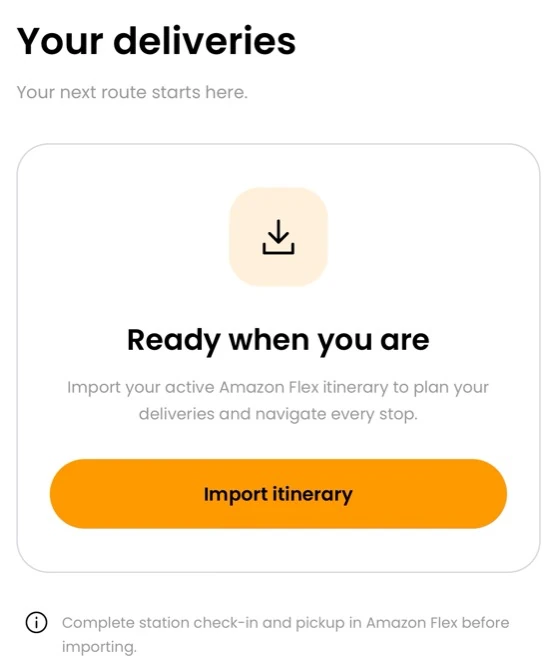
- On Your deliveries, tap Import itinerary. In the itinerary, check the stop details and review any deliveries that need to be handled in Amazon Flex.
Choose where the route ends
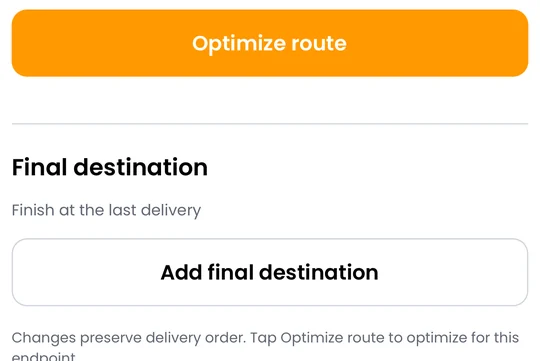
Open Options, tap Add final destination, and select an address such as home. The final destination stays after the delivery stops. Tap Optimize route to recalculate the stop order around that endpoint.
Review or change the next stop
Review delivery deadlines, access instructions, and any grouped stops before changing the order. Drag the handles in Itinerary to rearrange deliveries, or open a stop and choose Make next to move it to the front of the remaining stops.
Example with three delivery stops
Original order · Cedar Lane → Maple Avenue → Juniper Court
Example revised order · Cedar Lane → Juniper Court → Maple Avenue → Home
Home stays last. If Maple Avenue has an earlier deadline, review its details and move it ahead when appropriate.
Before leaving, sort packages by where you can reach them. When you're ready to drive, choose a stop and start navigation.