
Check the address and delivery details
Once you've imported the itinerary, use Overview to see the stops together on a map. Open a stop in Itinerary to review its address and package count. Check delivery instructions and deadlines before you set off.
Start guidance to a stop
Tap Navigate now to start guidance to the next stop in your current order. You can also select a delivery first and navigate to that address. To change the planned order, choose Make next on the selected stop before starting guidance.
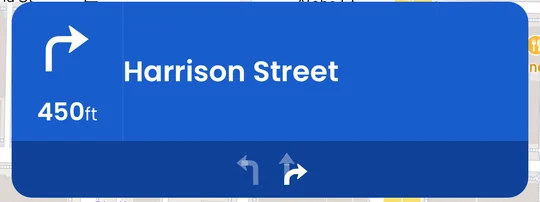
In-app turn-by-turn guidance shows the next maneuver and your estimated arrival. Check the subscription screen in OnRoute for the features available with your access.
Use Amazon Flex for required delivery steps
Complete station check-in and package pickup in Amazon Flex. At a stop that requires a verification or delivery step OnRoute can't complete, follow the instructions in the Amazon Flex app. Pull over safely before using either app to review or change your route.
For a quick review before leaving the station, see the Amazon Flex delivery checklist.